Unofficial Roblox fan guide
Sleep Check - Keep the Door Locked Anomaly Guide
A quick-reference entry for Sleep Check. Treat this as a tracked guide and recheck it after game updates.
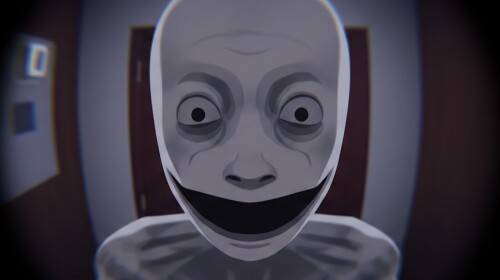
Sleep Check warning signs
- Where it appears
- Room routine
- Clue
- The game pressures you to rest while threats are active.
- Danger
- Medium
- Safe response
- Sleep only after checking the current rule and active room state.
Decision checklist
- Check the active rule before touching the door.
- Compare camera, peephole, dialogue, and room state.
- If one signal conflicts, keep the door locked.
- Record what changed so the next run is easier to compare.
This entry is a fan-maintained reference; confirm exact behavior in the current Roblox build.